On this page
article
Form Management – Manually Sending to Clients
Learn how to manually send forms to clients from the Clients menu by selecting the client, clicking on the Forms tab, and sending the form from the drop-down list.
Once your forms are made, they can be either sent to clients manually or be set up to send automatically. To learn how to automate your forms, Click Here.
Sending From Clients Menu
From the Clients menu you can send the Forms directly for the clients to receive.
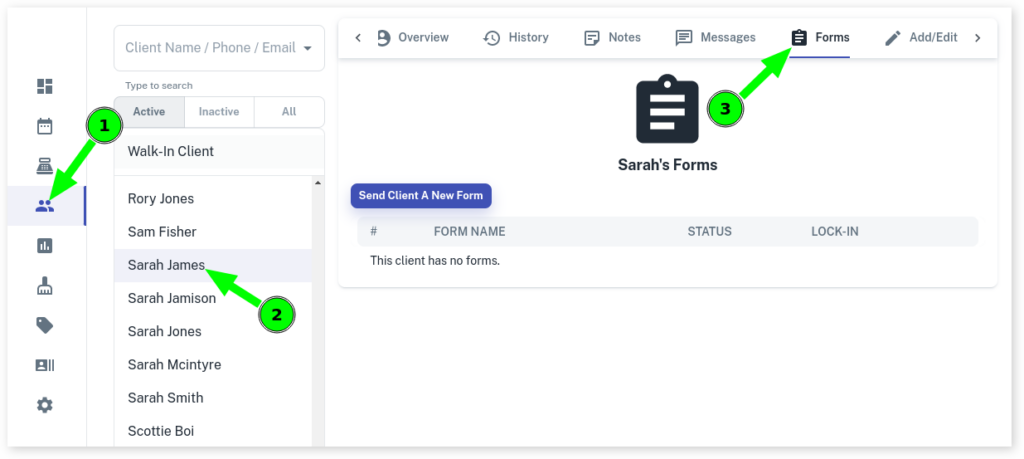
- Select the Clients menu
- Search or press on the client you are sending the Form
- Click on Forms tab
- Press Send Client a New Form
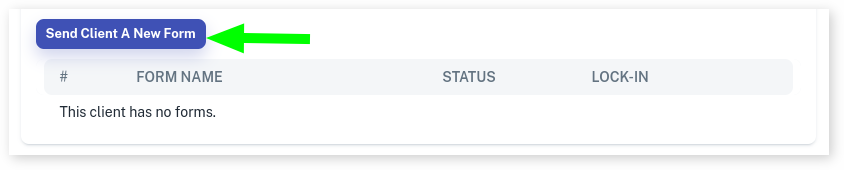
- From the window that pops up, select the Form the drop down list

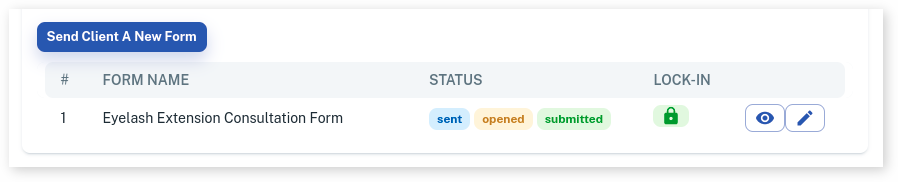
- The Form will now be listed as sent, then when the Form is opened you will see that the client has opened the Form and when it is submitted