How To Auto Email Employees Their Appointments
Automatically email employees their upcoming appointments by following simple steps in Client Diary, ensuring a smooth start to their workday without revealing sensitive information.
Client Diary has a powerful feature which will email your employees their appointments for the next day they work. The email includes no private or financial information and is an excellent way to see what your day will be like before getting to work. This option is off by default.
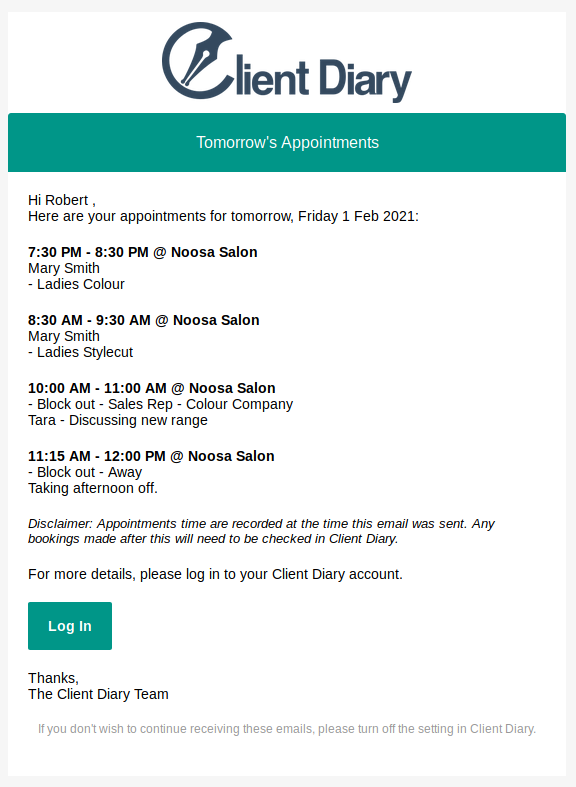
To turn on email employee’s next day appointments, please follow the below instructions:
- Select the Employees menu
- Search the Employee
- Click on the Add/Edit Details tab
- Scroll down to Email next day appointments at 8.00 PM everyday and tick the box
- Click on Savebutton to apply changes

For this option to work you will need to make sure that your employees have their email address added to Client Diary. For help editing an employee’s email please have a look at this page.
What did you like?
What went wrong?