On this page
article
Mobile App – Using a Barcode Scanner at POS on Your Phone or Tablet
Learn how to use a barcode scanner with Client Diary’s mobile app for faster product sales at the reception area by scanning stock barcodes directly on your phone or tablet.
If you have a barcode scanner that is compatible with your phone or tablet, Client Diary will be able to use it to scan your stock.
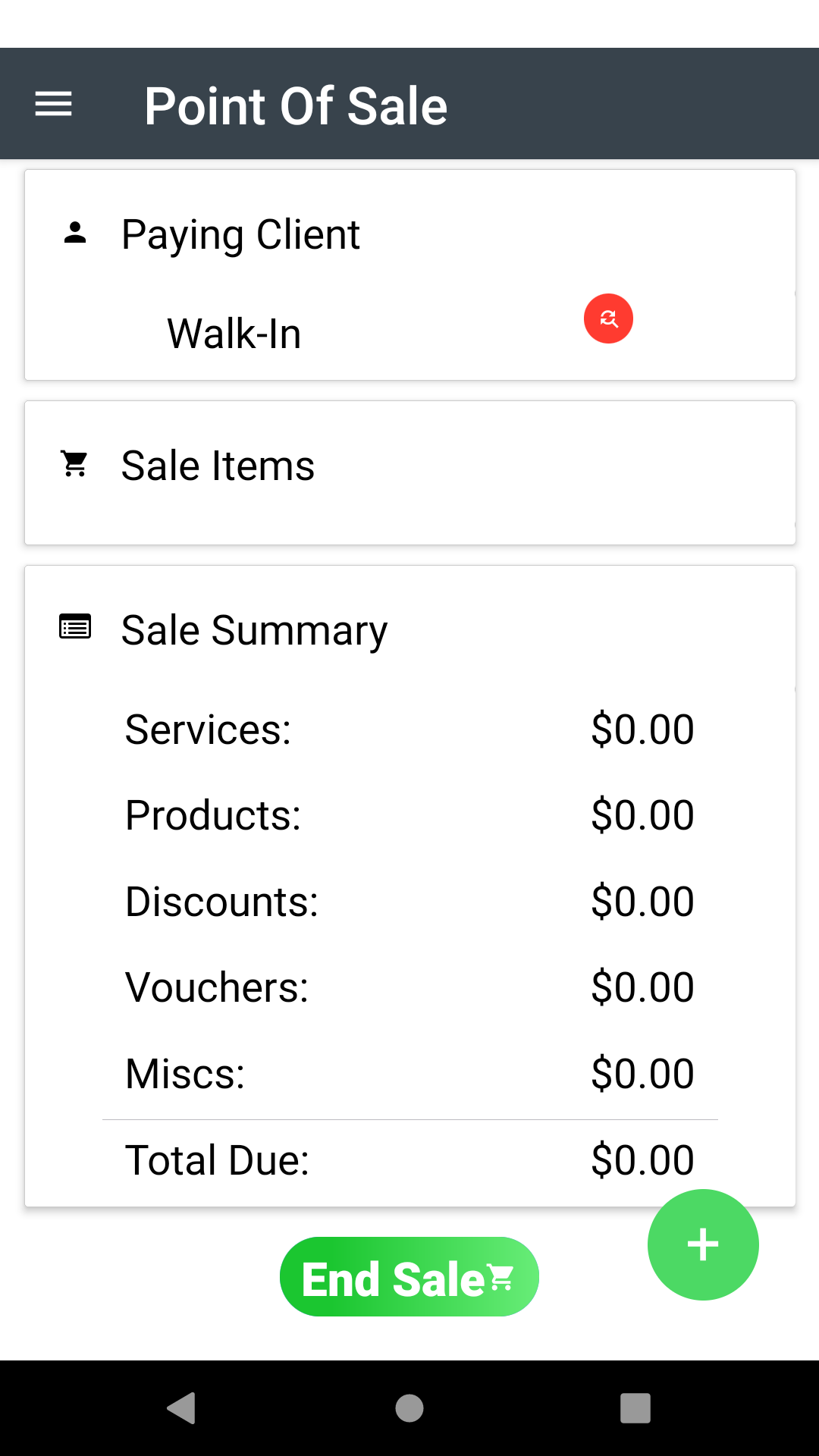
- Go to the Point of Sale screen
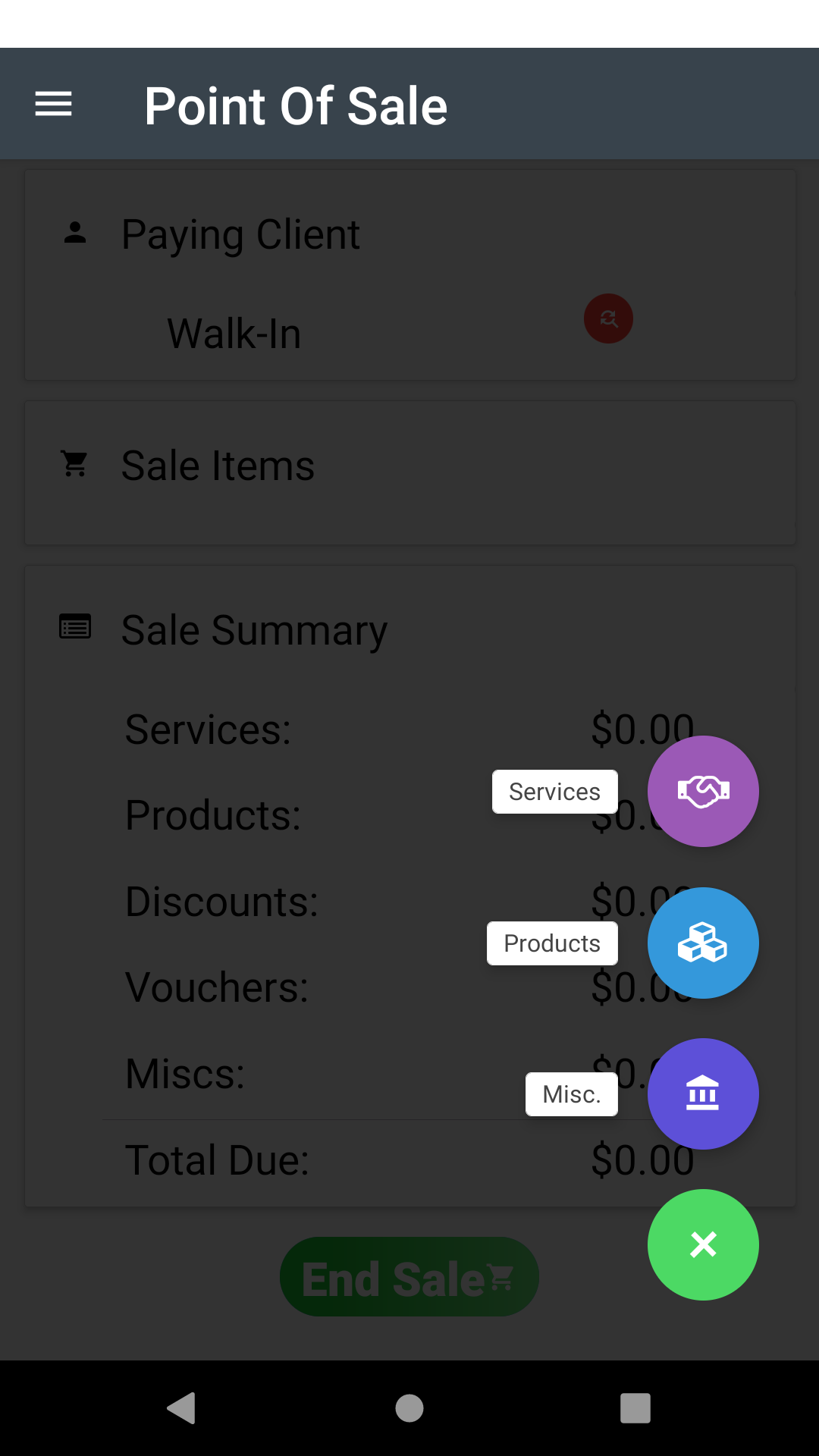
- Press the + Button at the bottom right
- Select the Products Option
- Then in the following search box, simply scan the product barcode and it will be selected and ready to add.
This is a great way to speed up product sales at the reception area and reduces the need to search for individual products.
Was this page helpful?
What did you like?
What went wrong?