Updating Account Information
On this page you will be shown how to update your account information, including your name, address, phone number, business name and logo.
It is quite straight forward to change most of your account details. You can edit your Owner’s name, Business name, Phone number, Logo and more.
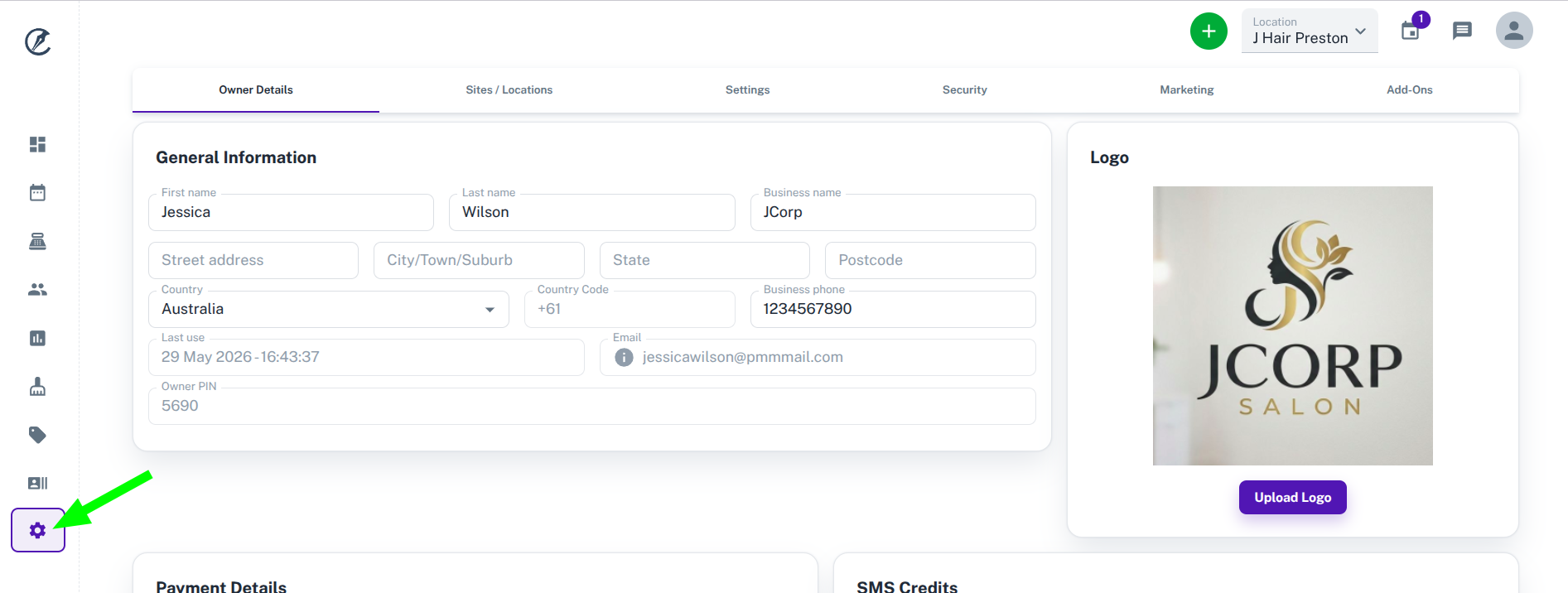
Navigate to the settings
- Click on the My Account menu option.
Update/Add General Information
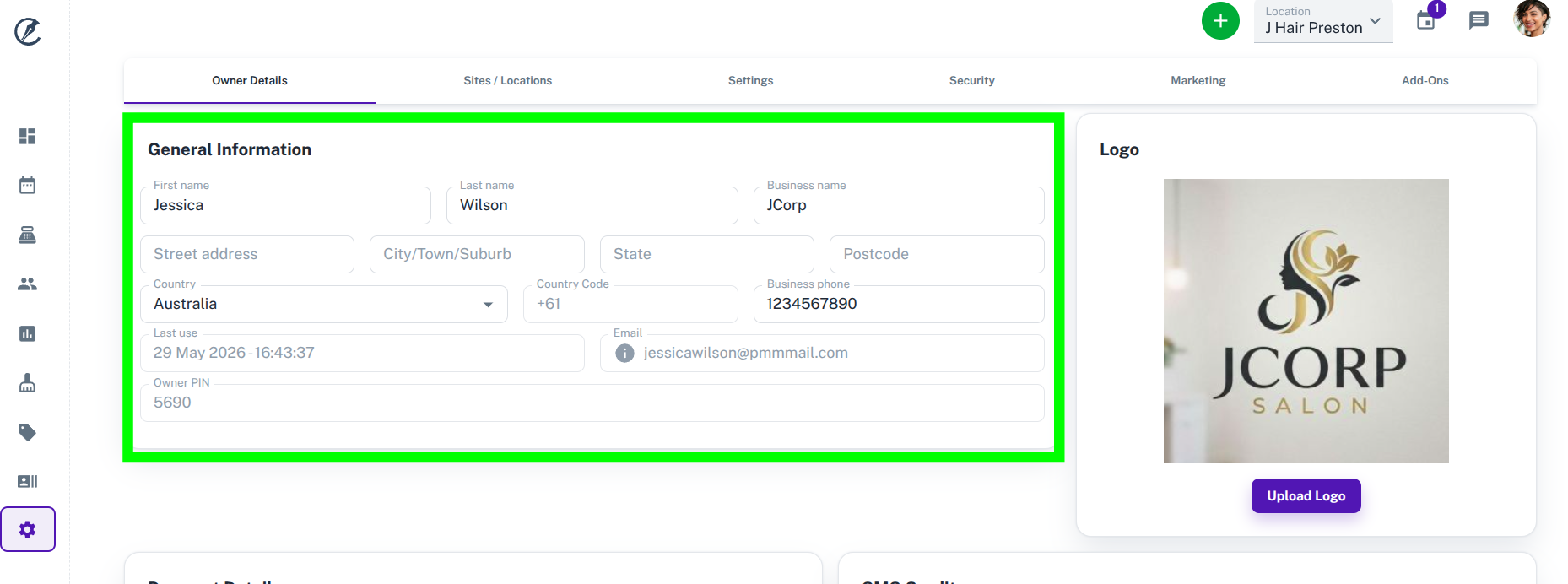
You can edit most information here by clicking the field you want and typing in the new First Name, Last Name, Business Name, Address information and Business Phone.
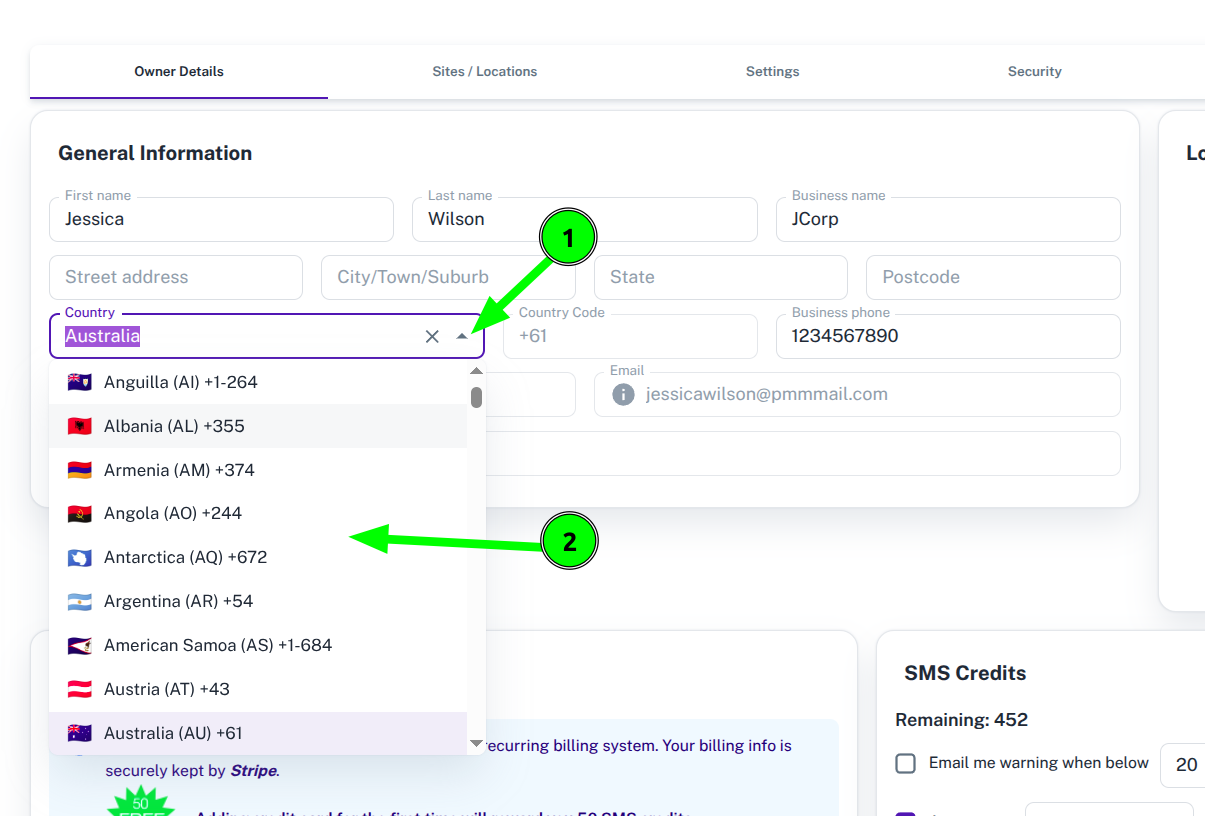
To edit your country:
- Click on the drowpdown arrow for Country
- Select your country from the list
There is no need to save this new information because it is saved automatically as the changes are made.
Update/Add Company Logo
To add or update your company logo simply follow the instructions (pictured below):
- Click on the Upload Logo button
- Choose My Files to browse and upload an image
- Wait for the image to load and then press the Done button
Below are links for the other features you will see on the My Account page:
What did you like?
What went wrong?