On this page
article
Sharing Selected Services for Online Booking
Learn how to share specific services, service bundles or custom service links.
Direct booking links allow you to bypass the usual navigation steps and send clients straight to a pre-selected service, bundle, or custom set of services.
Instead of hunting through a menu, clients click your custom link and land immediately on the scheduling page for that specific offering.
- Go to your booking link
- Select the service, services or bundle
- Click on the Share Selection button
- This will copy the link to your device clipboard so you can paste/share it
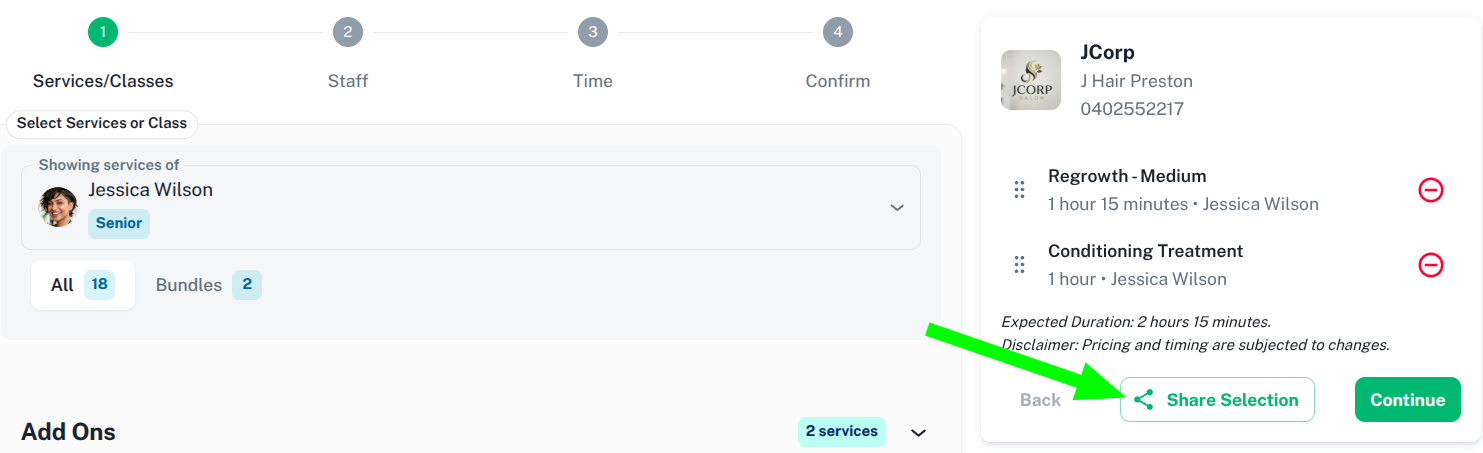
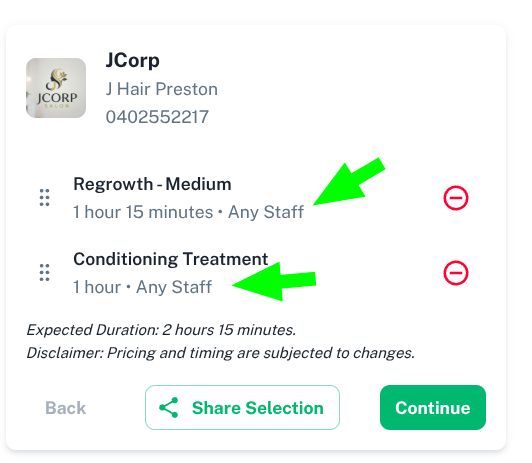
Note: It does not matter which staff member you select for the booking. Once the link is clicked on, it will assign the booking to Any Staff.
Below are some more helpful links for Online Booking:
Was this page helpful?
What did you like?
What went wrong?