On this page
article
Zapier – Turning Off Your Zaps
Learn how to turn off or delete Zaps in Zapier by following these simple steps within your Zapier account.
After running your Zaps for a time you may want to turn them off temporarily or to delete them entirely
Turning your Zaps Off
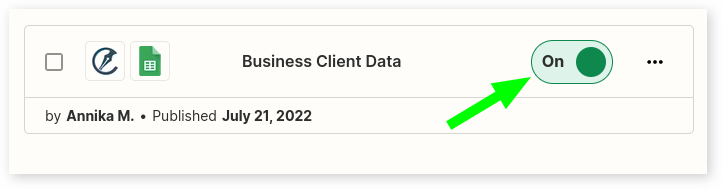
- While in your Zapier account
- Select Zaps on the side Menu
- Search for the Zap or select on the screen
- Press the On toggle to disable and turn off the Zap
Deleting your Zaps
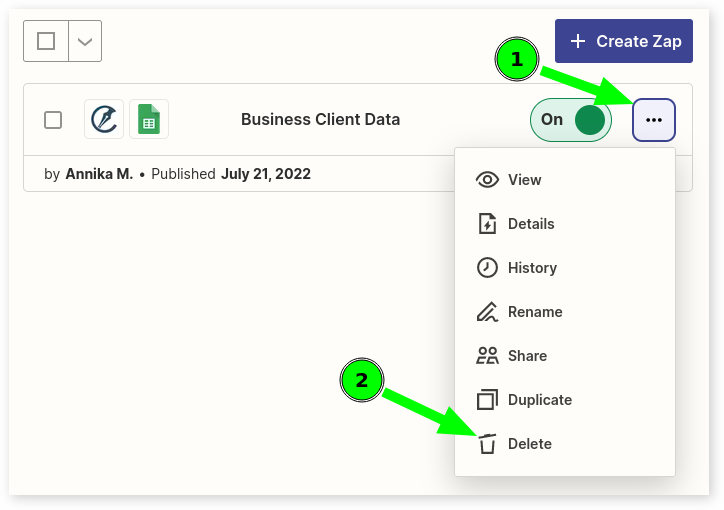
- While in your Zapier account
- Select Zaps on the side Menu
- Search for the Zap or select on the screen
- Press the Three dot menu
- On Drop down menu press Delete