On this page
article
How to Create a Recurring Appointment
Learn how to create a recurring appointment by selecting an existing appointment on the calendar, choosing the ‘Make Recurring’ option, and setting the recurrence frequency and number of occurrences.
To create a recurring appointment you will first need to have an appointment you wish to make recurring. For steps on how to make appointment, this can help.
Then to make it recurring:
- Select the Appointment on the Calendar
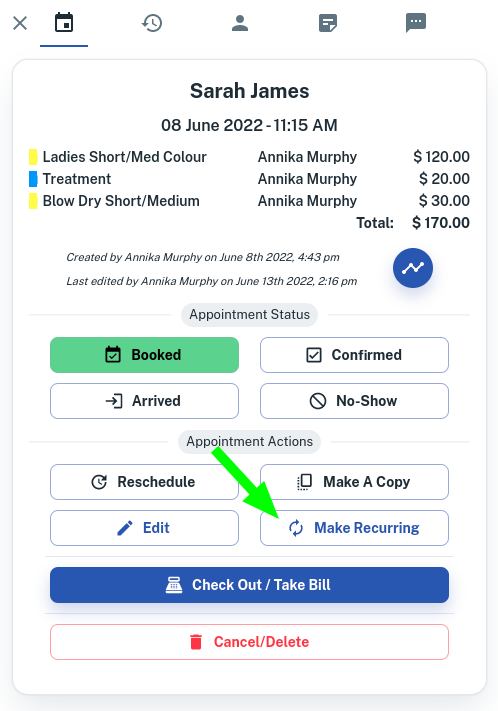
- On the slide out menu, press the option to Make Recurring, a new window will appear
- You can then select between Daily, Weekly and Monthly
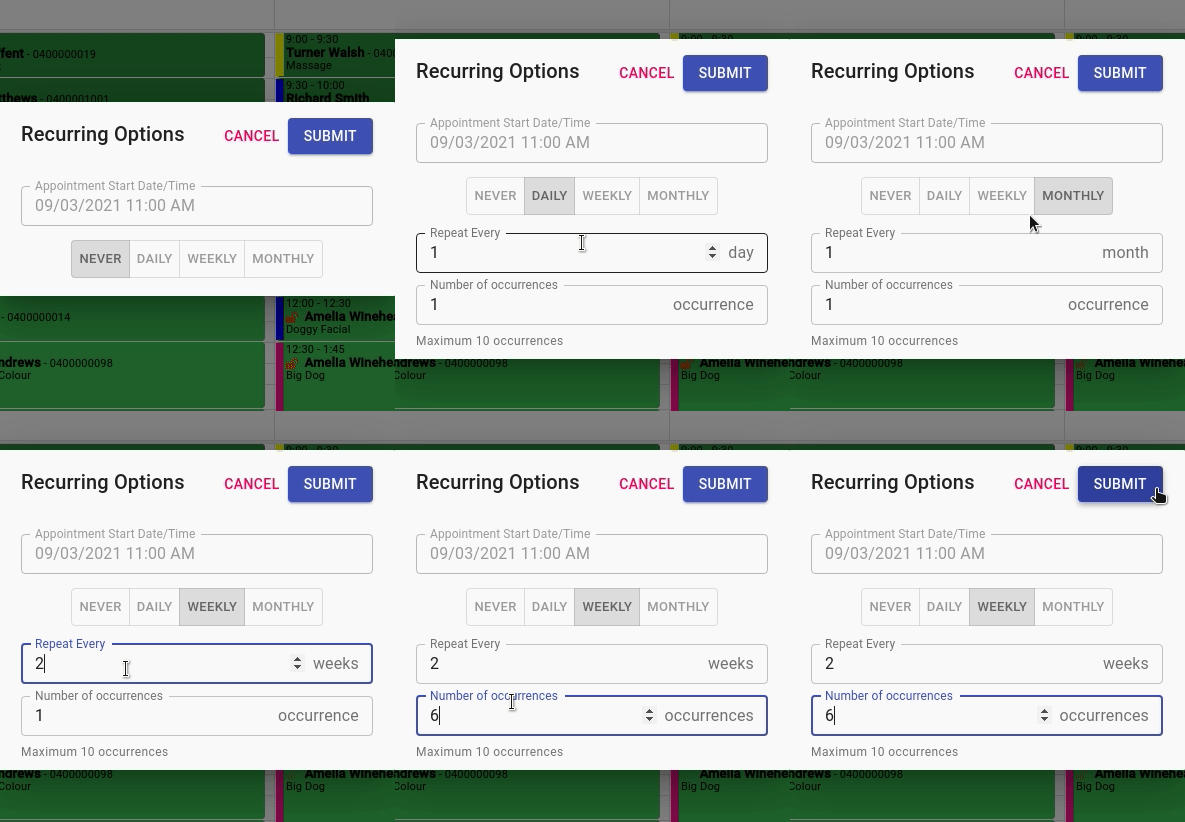
- Enter a value for how often you would like the appointment to recur
- Enter a number of occurrences you would like. Note: There is a maximum of 50
- Press Submit.