On this page
article
How to Create A General Note For Client
Learn how to create a general note for a client using either the Client Menu or Calendar in a few simple steps.
There may be times where a General Note has to be made for a client.
There are different ways to do this.
Via the Client Menu
To do this:
- Go to the Clients Menu
- Search for the Client
- Go to the Notes Tab
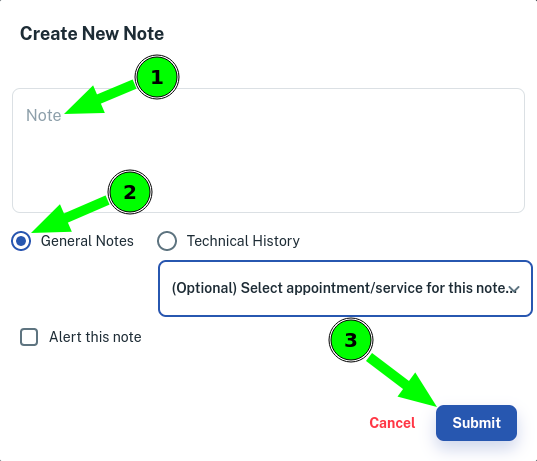
- Click on Create New Note

- Write the note In the Note Area
- Select the General Notes Option
- Then Click on Submit
Via the Calender
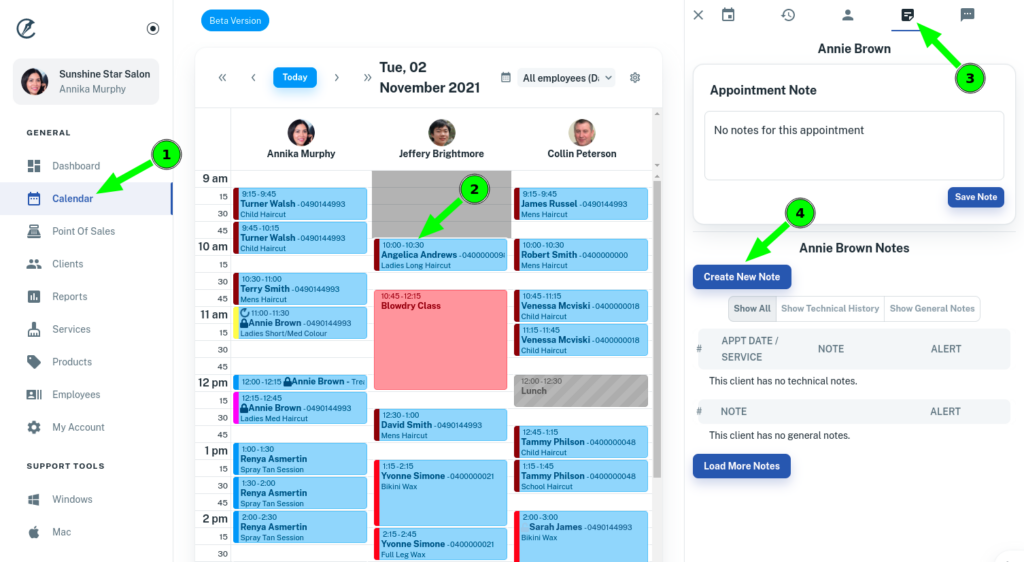
- Go to Calendar Menu
- Select the client’s Appointment
- Press Notestab in the appointment pop up menu
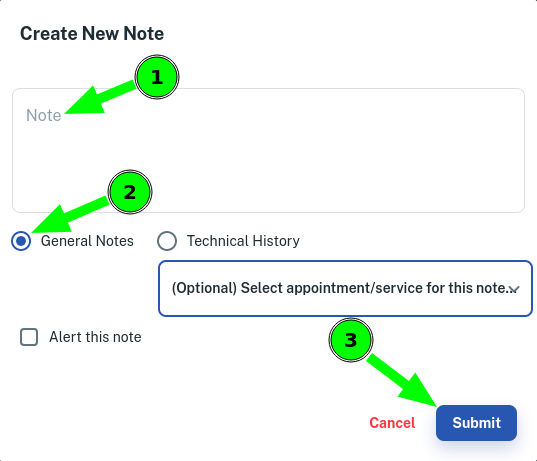
- Click on Create New Note
- Write the note In the Note Area
- Select the General Notes Option
- Then Click on Submit