On this page
article
How to View Employees
Learn how to view employees by selecting options like Active, Inactive, or All, as well as by location, in the Employees menu of Client Diary.
When at the Employees menu:
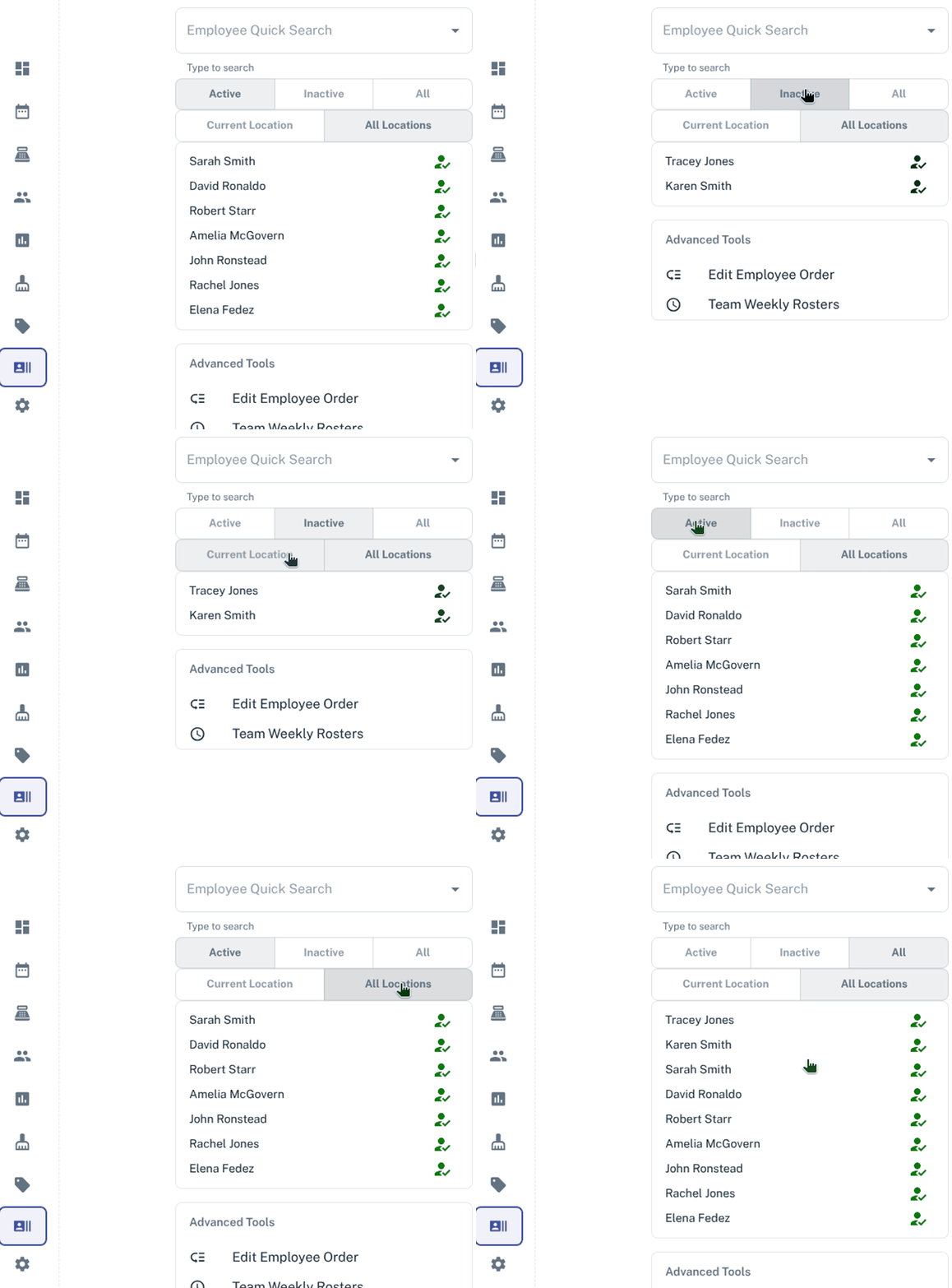
- Click on Activeto see all active employees
- Click on Inactive to see all inactive employees
- Click on Allto see all active/inactive employees at the same time
How to View Employees at Current Location or All Locations
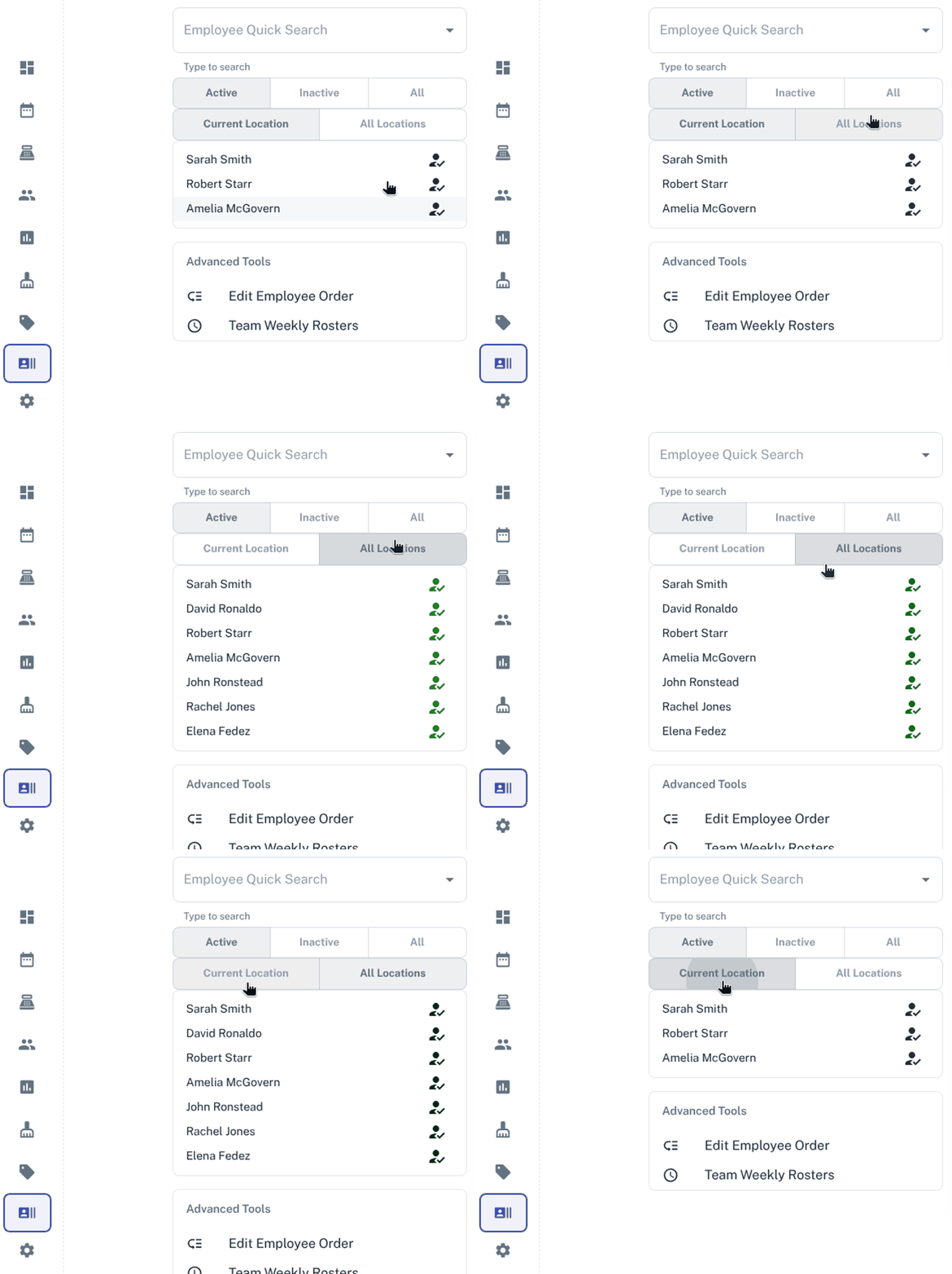
- Click on Current Location to see only employees listed for the current business location you are set to, if you have more than one business location set up in your Client Diary.
- Click on All Locations to see all employees listed from all your business locations you have set up in your Client Diary.