On this page
article
Turning off Before Appointment Instruction Messages
Learn how to disable pre-appointment instruction messages for specific services in your account by following these steps, helping you streamline your communication with clients.
You may have stopped providing a Service or find that you no longer need to send a pre-appointment message to clients for a specific Service anymore. This document shows you how to do that.
- Select the My Account menu
- Press the Marketing tab
- Choose the Before Appointment Instruction option
- Expand categories by pressing the + symbol
- Search for the Service
- Press the Edit button

- Change the time to Never
- Press the Update button
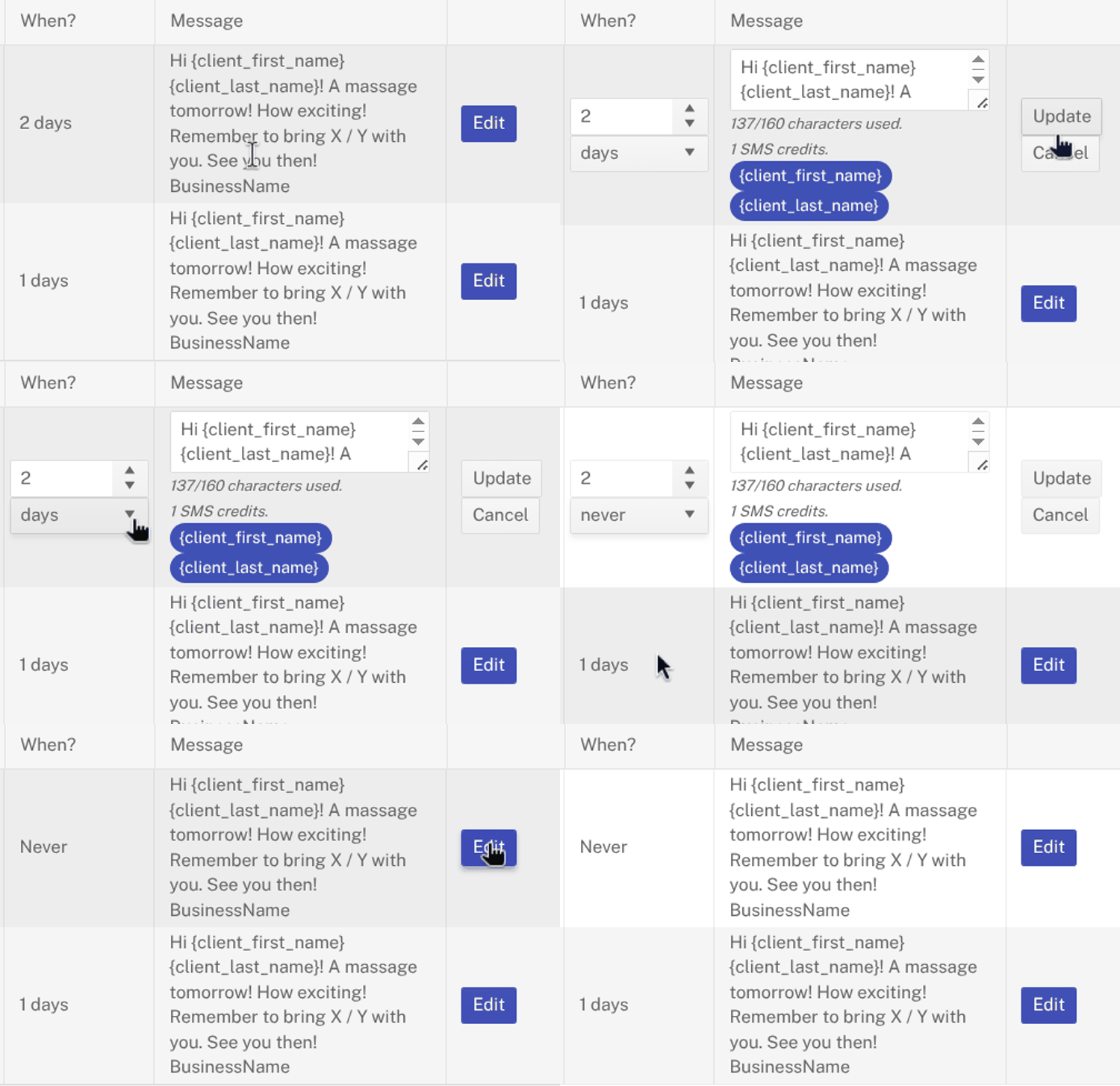
The pre-appointment message for that Service will no longer go out as soon as the Update button is pressed.
You can learn more about pre-appointment marketing by following this link.