How to Add SMS Credits
Learn how to add SMS credits in Client Diary by accessing the My Account menu, entering your Credit Card details, selecting the desired number of credits, and enabling Auto Top Up for automatic replenishment when credits fall below 50.
To send an SMS to your clients, you will need to add SMS credits.
To do this:
- Select the My Account menu
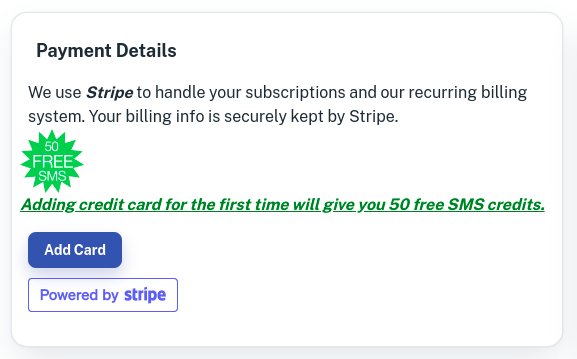
- In the My Account menu, in the bottom left, ensure you have entered your Credit Card details.
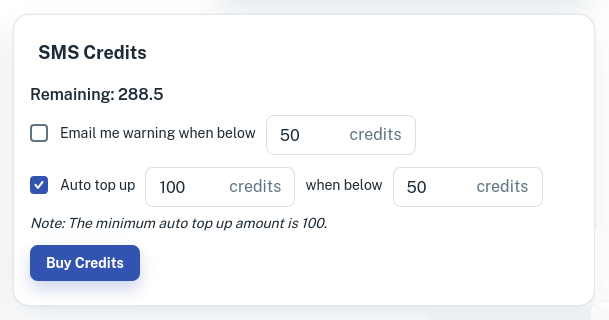
- Next, on the right of that area is the SMS Credits screen. Select an option for notifications, or just press the BUY CREDITS button.
- Select how many credits you wish to purchase and press the Confirm And Pay button

You are now set up with SMS credits in Client Diary.
Auto Top Up
When you tick the Auto top upbox as shown in the screenshot below, it will top up your SMS credits automatically each time your SMS credits get below 50 credits and will automatically top up 200 credits.
This is recommended because any pending SMS reminders that need SMS credits can be applied straight a way without the need of manually purchasing the SMS credits each time.