On this page
article
Mobile App – How to Move to Another Date
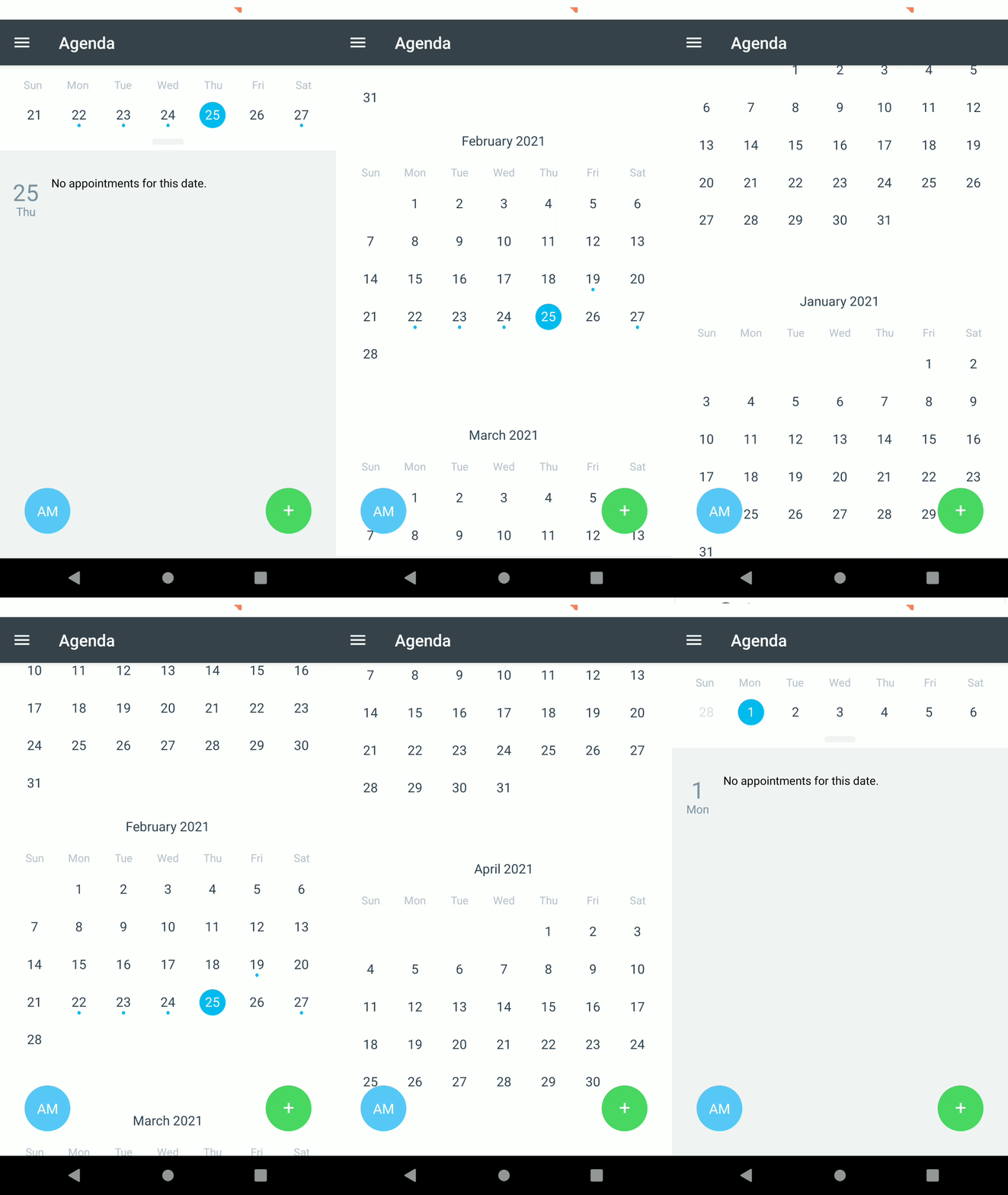
Learn how to easily navigate to a specific date in Client Diary’s mobile app by dragging the bar below the date and selecting the desired date.
You can quickly move to any date you need in Client Diary’s mobile app.
- Drag the Bar just below the date near the top of the screen down
- Drag Up and Down to move forward and back through the months
- Select the Date you wish to view