On this page
article
Mobile App – Using a Barcode Scanner at POS on Your Phone or Tablet
Learn how to use a barcode scanner with Client Diary’s mobile app for faster product sales at the reception area by scanning stock barcodes directly on your phone or tablet.
If you have a barcode scanner that is compatible with your phone or tablet, Client Diary will be able to use it to scan your stock.
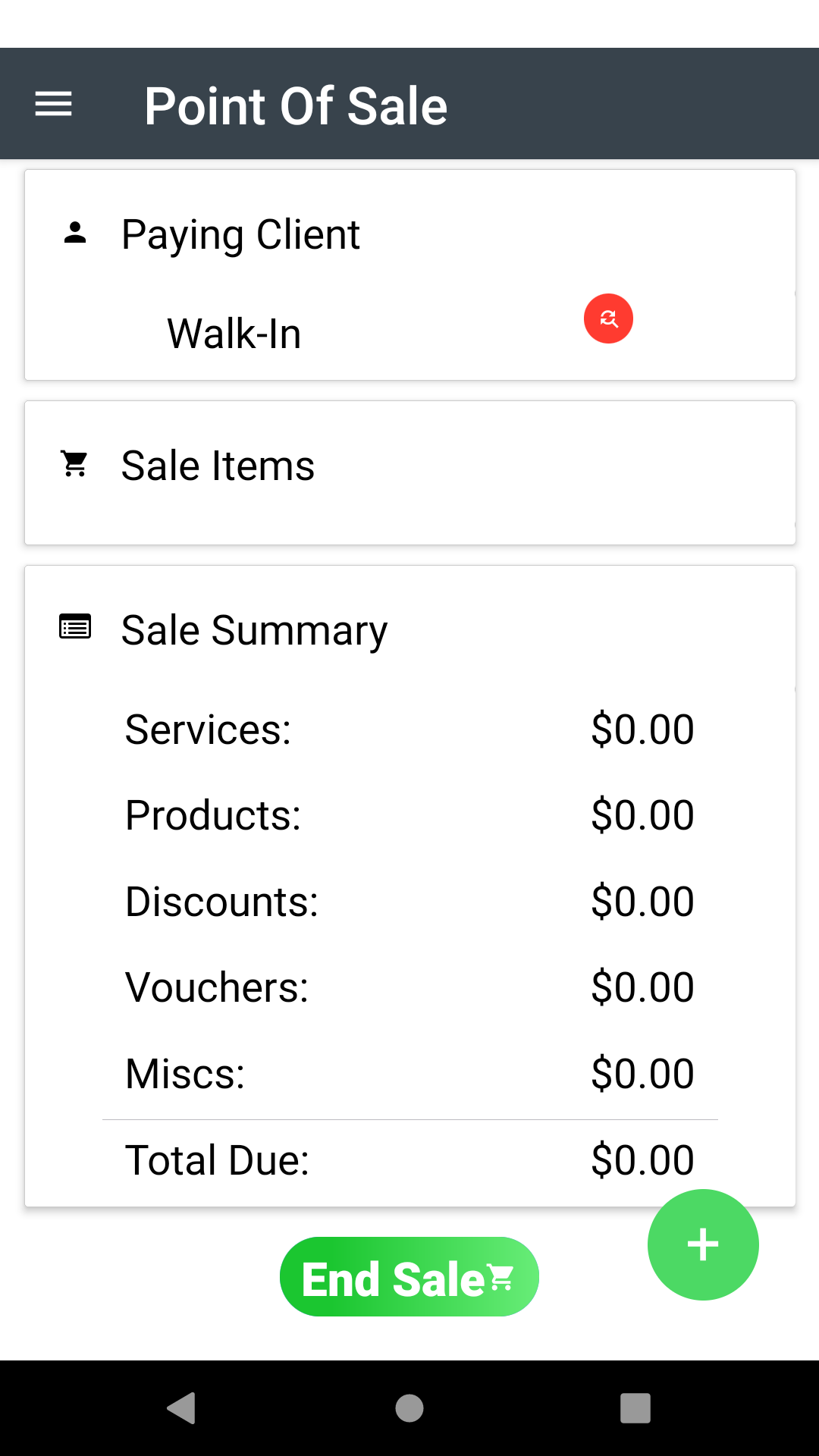
- Go to the Point of Sale screen
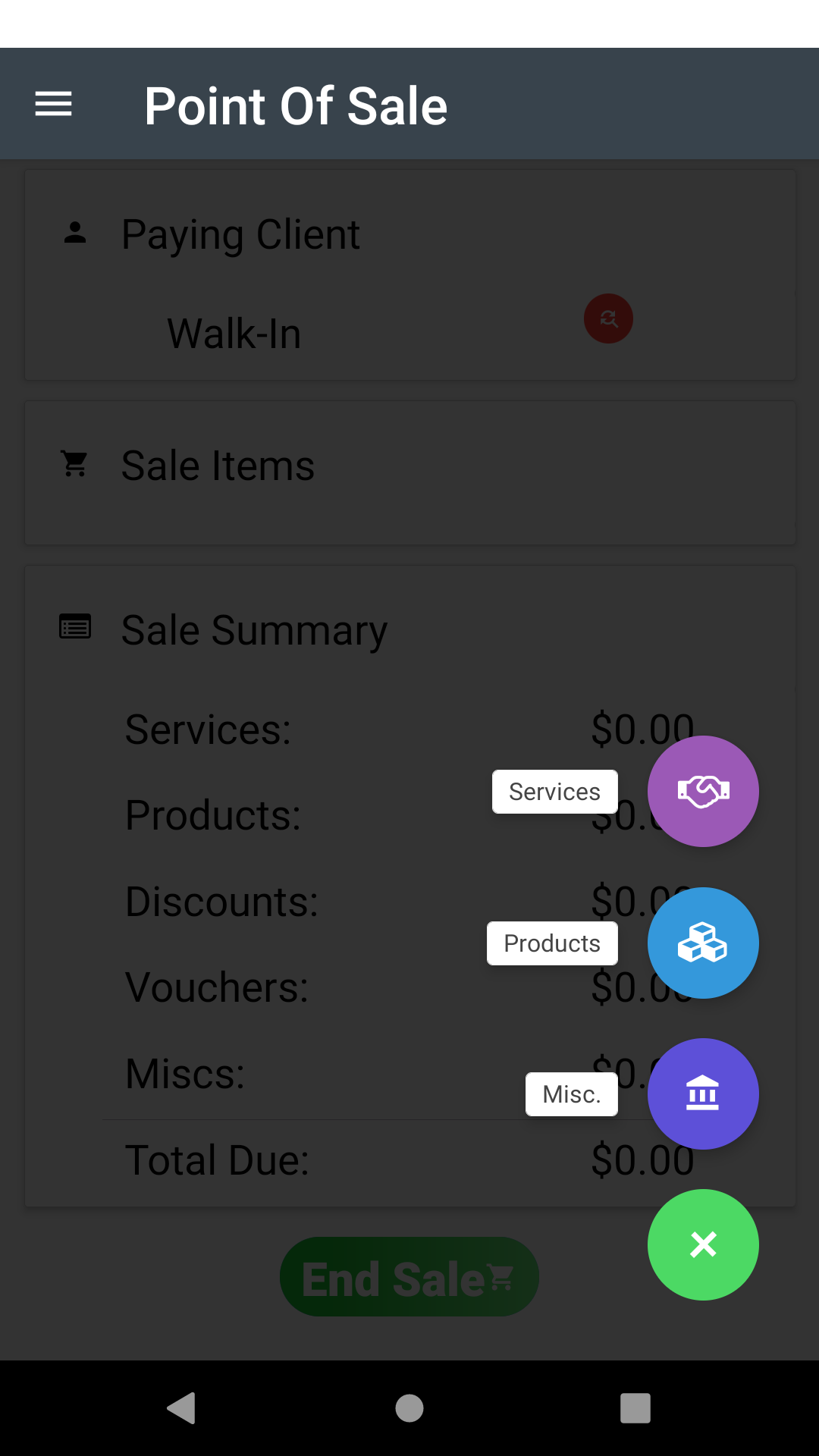
- Press the + Button at the bottom right
- Select the Products Option
- Then in the following search box, simply scan the product barcode and it will be selected and ready to add.
This is a great way to speed up product sales at the reception area and reduces the need to search for individual products.