On this page
article
Enable Online Booking Service Prices to Show
Enable online booking service prices to display by following the steps in the ‘Online Bookings Setup Beta’ section under ‘Add Ons’ in ‘My Account,’ ensuring clients can view your service prices when booking online.
If you want your Service prices to be visible to your clients when booking online, please follow the steps below:
- Head to My Account
- Select Add Ons
- Press on Online Bookings Setup Beta
- Scroll down to Others section and click on the drop-down arrow
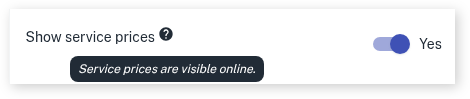
- Scroll down to Show service prices
- Slide toggle to Yes
- Press Save once complete
Below is an example of how the online booking site shows the Service prices.
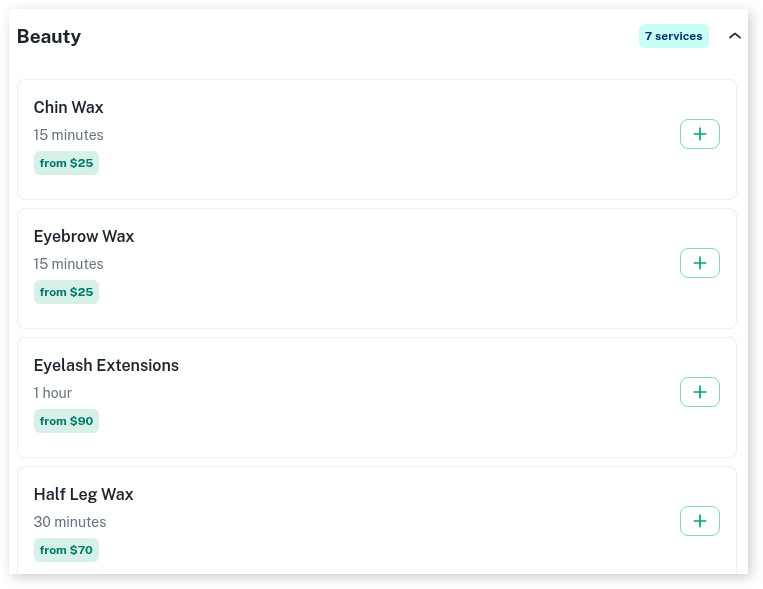
The system uses the prices you have set up in your Service’s Price & Availability section. For information on adding or editing a Service, this link will help How To Add and Edit Services