On this page
article
How To Add Custom Info On to Your Client Receipts
Learn how to add custom information to your client receipts in Client Diary by following these simple steps in the Employee menu, allowing you to include details about the services provided or individual contractor information.
Sometimes you may want to add information about an employee who provided a Service. Your individual contractors may need to include their own healthcare numbers or you may want to advise of special Services your employee can provide like Reiki Massage or advanced cuts/treatments.
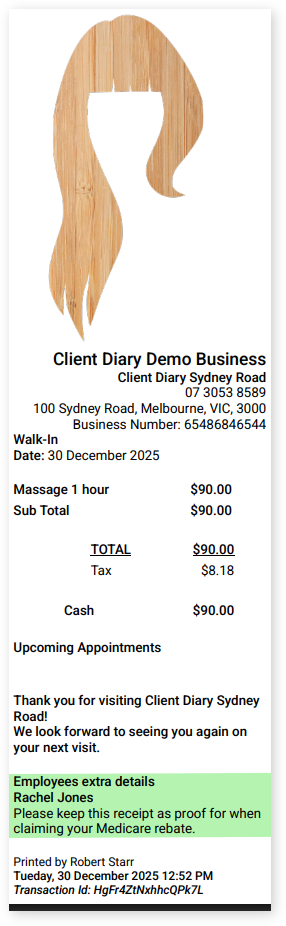
Client Diary now has the option to add this additional custom information on to your client’s receipts.
To do this:
- Go to the Employee menu
- Select which Employee you want to do this to
- Scroll down to Extra info on receipts
- Type in the info you want to be added to the receipts
- Select Saveto apply changes

Example Of The Custom Info On The Receipt: