On this page
article
How to do a Stock Transfer
Learn how to transfer stock between business locations by following these steps: select Products menu, click on Stock Tools, and press Stock Transfer, then choose the transfer locations, products, transfer amount, and finalize the transfer process, with the option to view past transfers under History.
A stock transfer is for when you want to transfer stock from one business location to another.
Here are the steps on how to do a stock transfer.
- Select the Products menu
- Click on Stock Tools
- Press the Stock Transfer
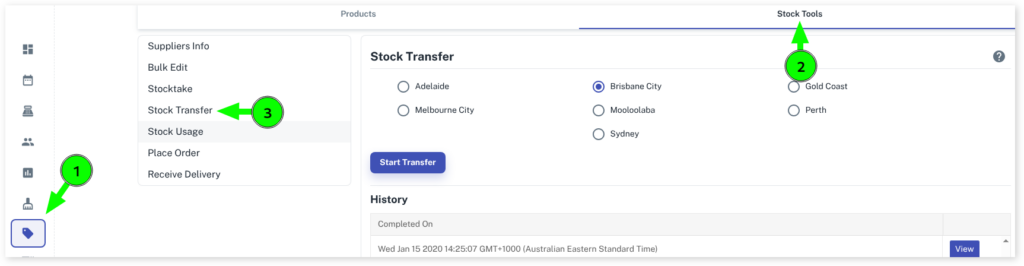
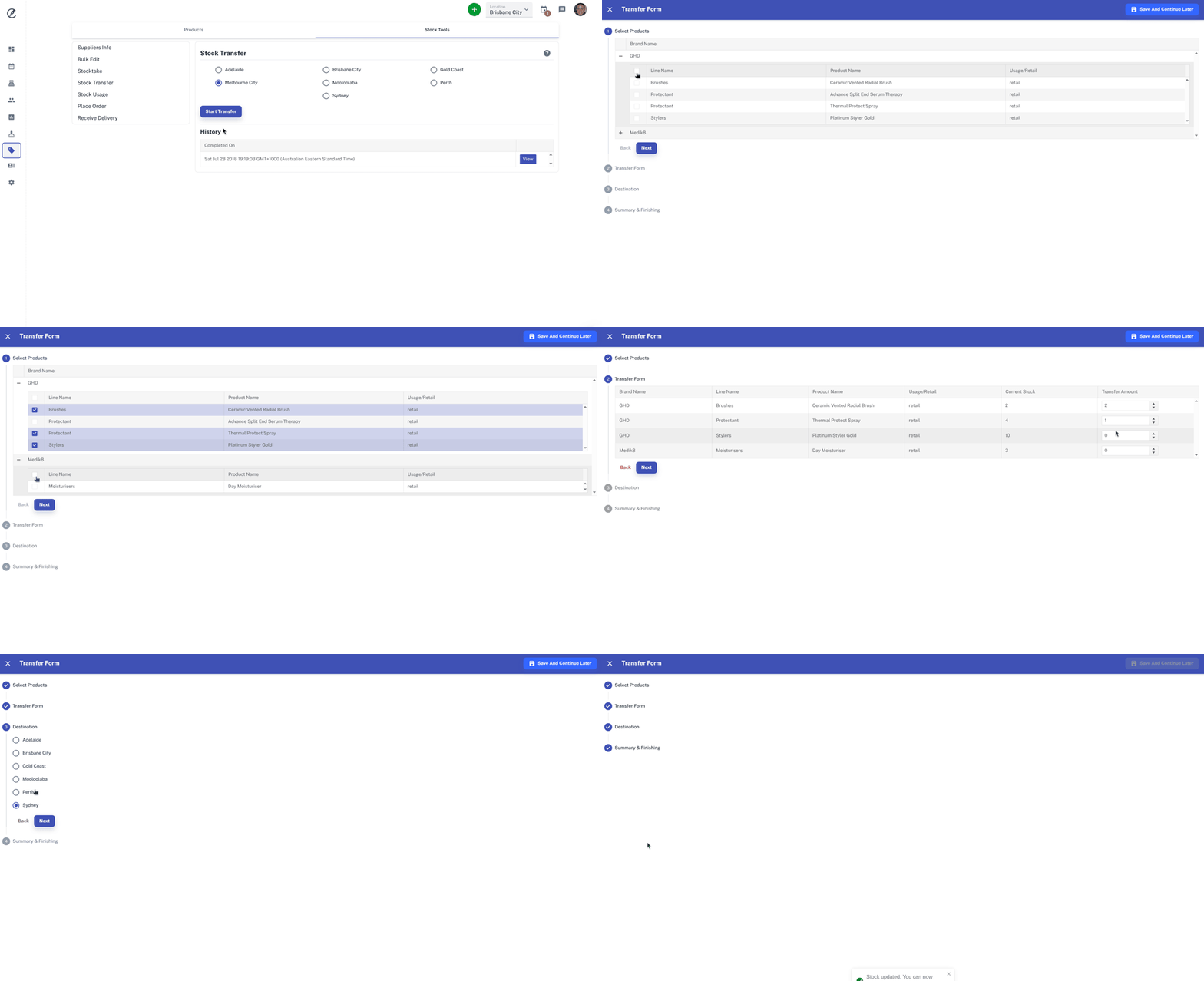
- Click on which location you want to transfer the stock from
- Click on Start Transfer button
- Select which products you want to transfer by the brand names
- Click on the Nextbutton
- Select the Transfer Amountyou which to transfer over
- Click on the Nextbutton
- Click on which business location you want to transfer it to
- Click on Next button
- Click on Finishto finalise
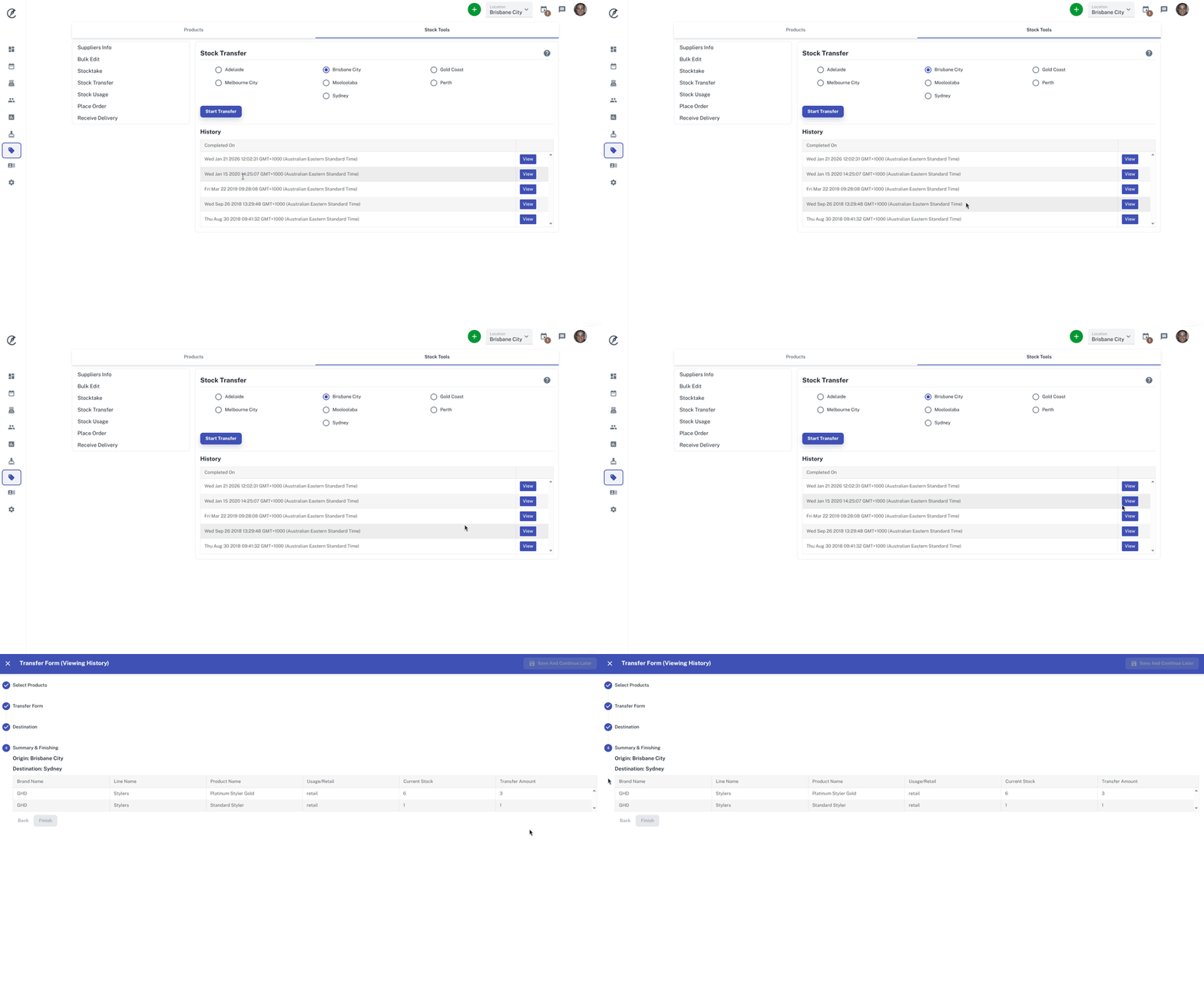
You can view previous stock transfers that have been done by clicking on the View button on the right under the History heading.