On this page
article
How To Send Order
Learn how to send orders to your supplier via email or phone, with step-by-step instructions for emailing or downloading a PDF to facilitate communication.
Orders can be emailed automatically to your supplier or you can call the order through on the phone. The choice is yours.
To Email the Order to Your Supplier
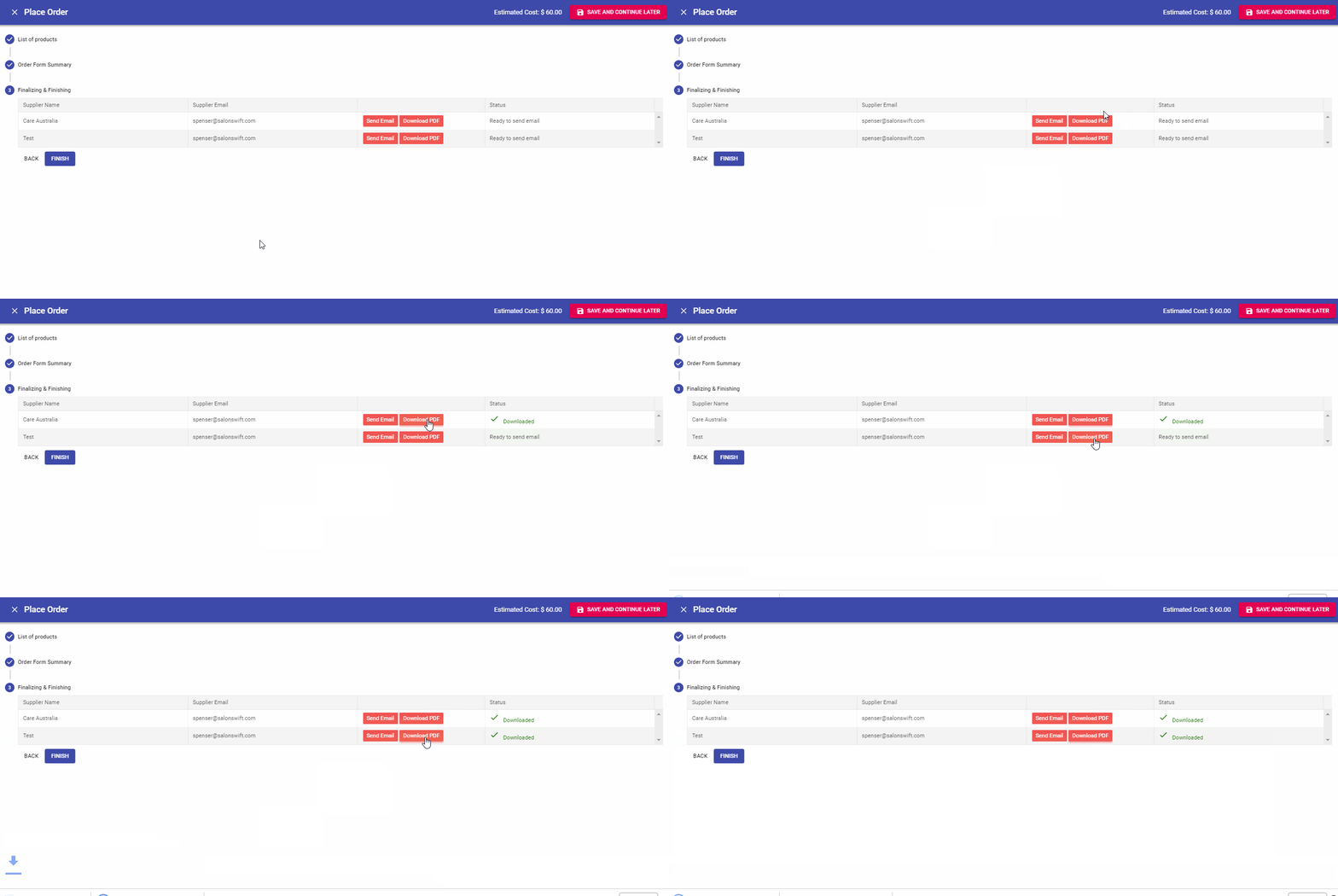
- Select the Send Email button next to each supplier. You will see the progress as it is generated and sent

Note: When you email an order, a PDF is also downloaded to your computer so you have a copy.
To Call the Order Through on the Phone
- Simply select the Download PDF button. This will produce a PDF that you can read to your supplier over the phone.