On this page
article
How To Use The + Button
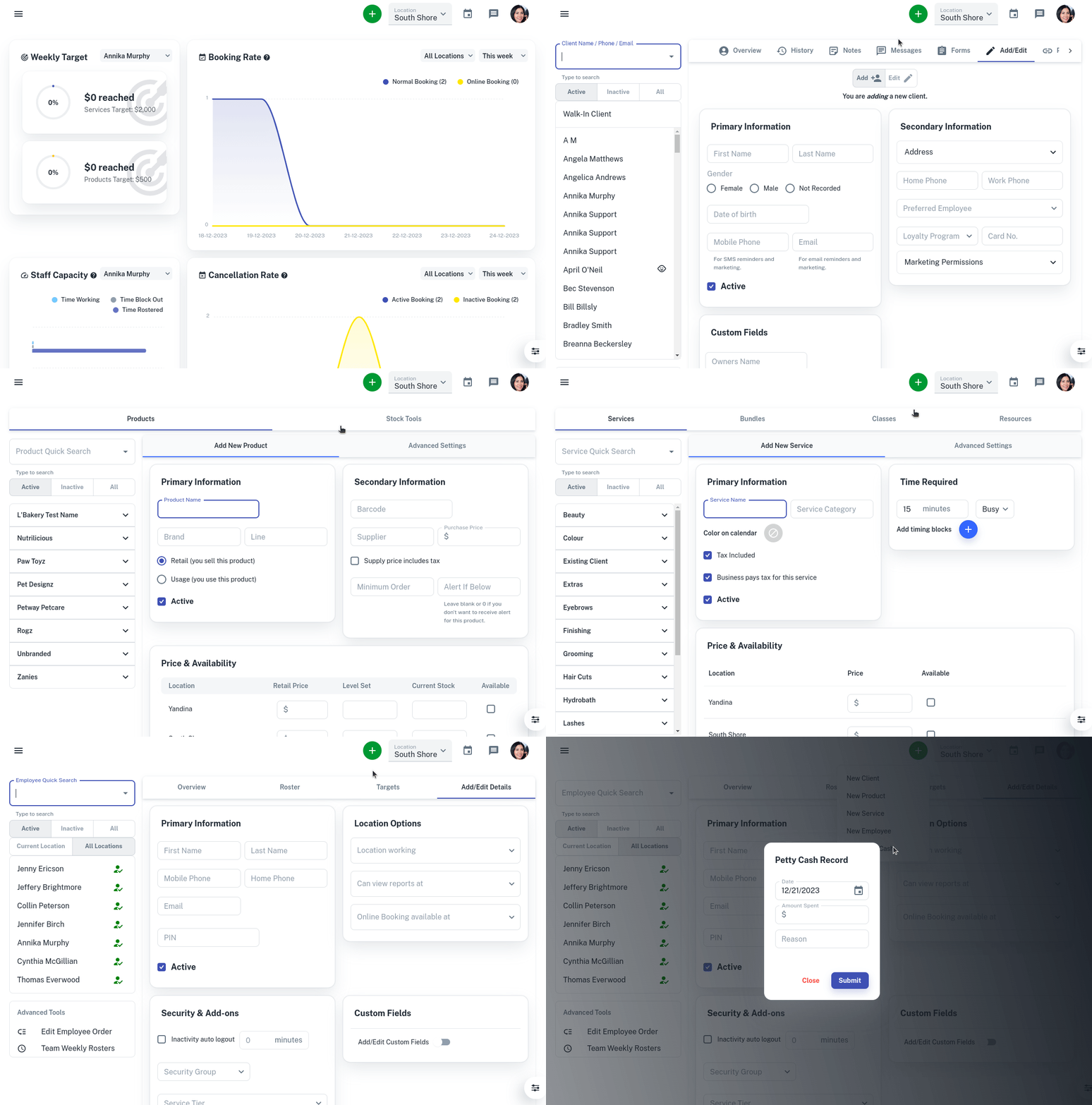
Learn how to efficiently add new clients, products, services, or employees by utilizing the + button on the Client Diary page and selecting the desired option from the drop-down menu.
Running a business is a stressful thing and any shortcuts to boost efficiency is an amazing thing. Sometimes you need a quick way to add new clients, products, service or employees.
This is how:
- Select the + button on the top of the Client Diary page
- Choose which option you want to choose in the drop-down menu
You will be taken to screen of the option you have selected.